

In macOS, if an application is in the dock, it appears within the left hand side of the dock. If a folder or file is in the dock, it appears within the right hand side. I wanted to add a shortcut to a website in the left of my dock. The answer was simple. Create an AppleScript that opens the web shortcut and save it as an application. This then appears in the left side as it’s an application. You could do this with any folder or file. Here’s how to do it.
1. Create an AppleScript to open the file.
In my case it looked like this as I was opening a website in safari:
set theFile to POSIX path of "/Users/wayne/Desktop/ChurchSuite - Dashboard.webloc"
tell application "Safari"
open theFile
activate
end tell
In your case you can ask ChatGPT to write the code for you, like this:

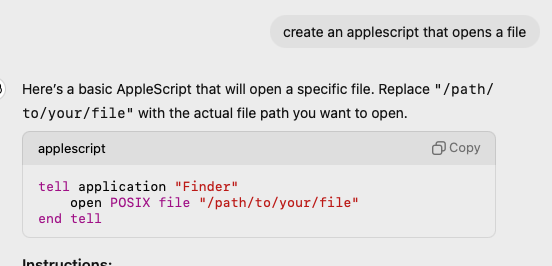
You can copy this text straight from chatGPT into Script Editor.
If you are unsure of the path to the file, you can use this script to get the path:
set theFile to choose file with prompt "Select a file to get its path:"
set filePath to POSIX path of theFile
display dialog "The file path is: " & filePath
2. Save the AppleScript as an application

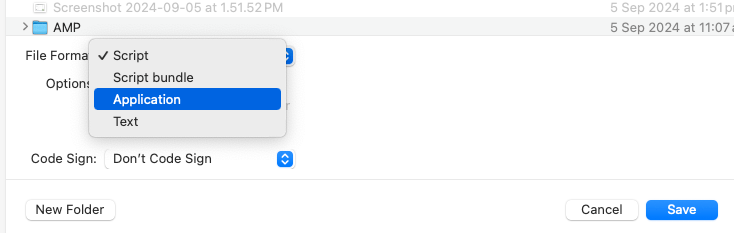
Form Script Editor save it as an application.
3. Drag this app to your dock.
That’s it, you can drag this app to the left of your dock!
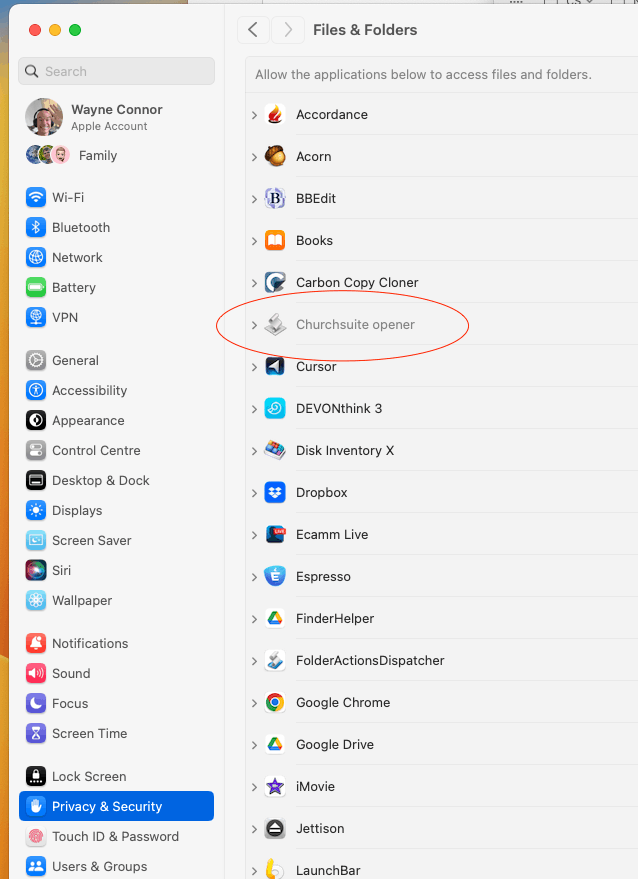
You may need to go to System Preferences and give the app permission. Otherwise, it will ask for permission to run every time you run it.

If you want to change the icon on the dock read this article on how to change the icon of an app.

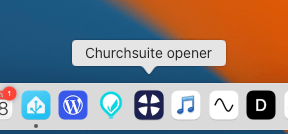
Here’s the finished ‘app’ in my dock.
It opens a website called ‘ChurchSuite’


Leave a Reply Cancel reply